# Introduction
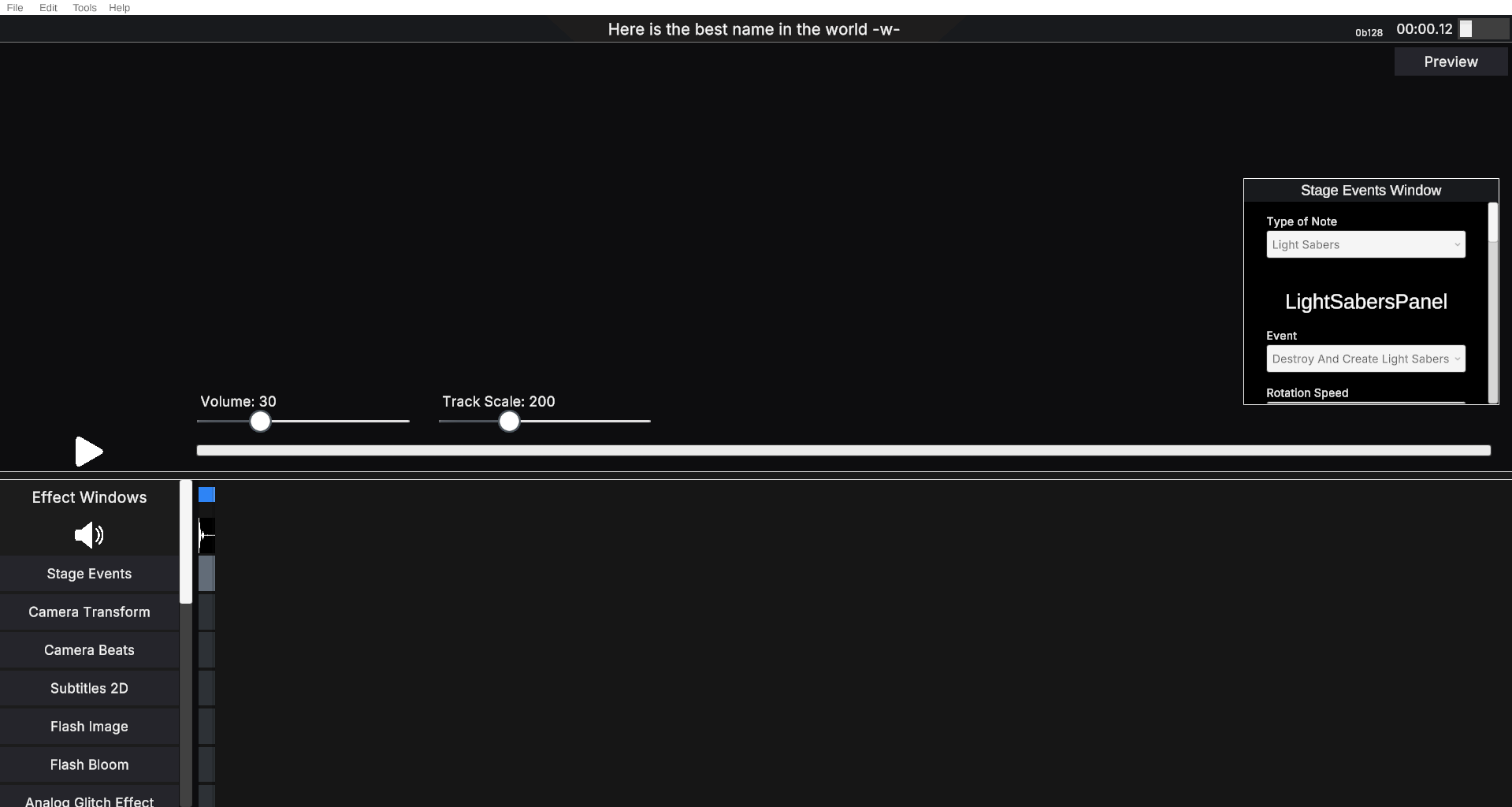
In this section we will explain and detail how to work with the YARM Effects Editor. To enter the editor, click on “Editor” from the buttons at the bottom and then on “Effects Editor”. This will take you to the scene where the effects editor is located.
To use it, you need the "FileDialogPluginIL2CPP" plugin, which is already integrated into the game. In addition to this, you also need to have Microsoft Visual C++ Redistributable installed on your system. Version 14.x (2015-2022) is recommended.
***
Once you have read the introduction, you can continue to the next page :thumbsup:
---
# Agent Instructions: Querying This Documentation
If you need additional information that is not directly available in this page, you can query the documentation dynamically by asking a question.
Perform an HTTP GET request on the current page URL with the `ask` query parameter:
```
GET https://hadqueddani-creations.gitbook.io/yet-another-ritmo-mania-docs/getting-started-with-the-effects-editor/editor.md?ask=
```
The question should be specific, self-contained, and written in natural language.
The response will contain a direct answer to the question and relevant excerpts and sources from the documentation.
Use this mechanism when the answer is not explicitly present in the current page, you need clarification or additional context, or you want to retrieve related documentation sections.